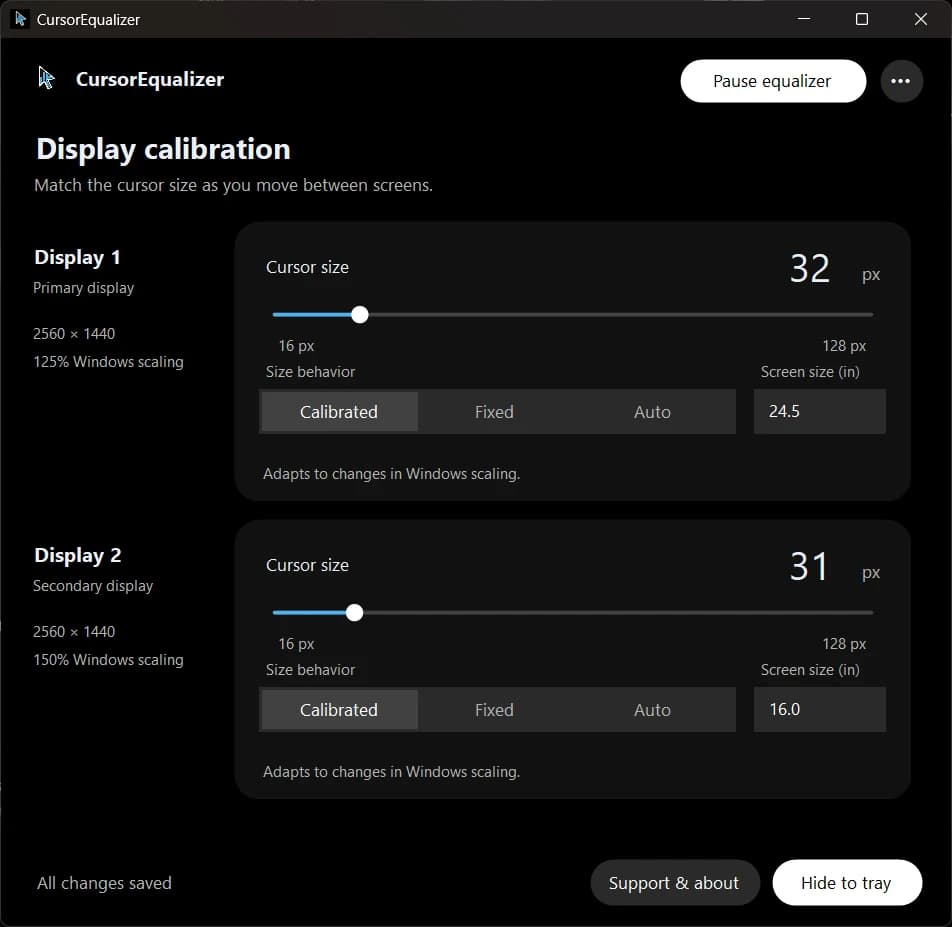
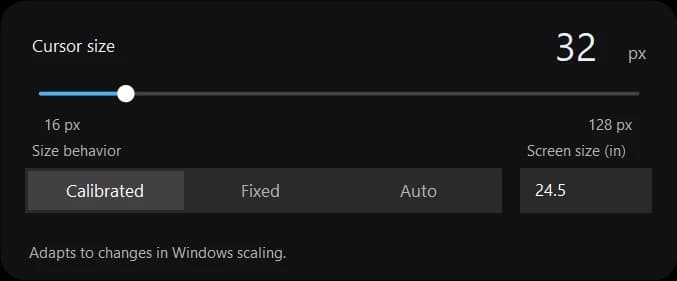
Download CursorEqualizer, tune a size on each display, and keep your settings in the tray.
Version 1.0.0 preview for Windows x64. About 47 MiB. .NET runtime included.
Check your download.
The CursorEqualizer 1.0.0 preview installer is unsigned. Windows may show an unknown-publisher or SmartScreen warning. Check the release source and file hash before deciding whether to run it.
SHA-256 published by GitHub for the 1.0.0 installer:
164dda60754796cde2dec08894fbf2dd571d815725074328db6fddb101ba897aIn PowerShell, run this from your download folder and compare the Hash value:
Get-FileHash -LiteralPath '.\CursorEqualizer-1.0.0-Setup.exe' -Algorithm SHA256
A matching hash confirms that your file matches this release asset; it does not certify that software is safe.
To uninstall, use Exit & Restore Default Cursors from the tray, then remove CursorEqualizer through Windows Settings. Calibration-settings retention and cleanup are still being verified.
 CursorEqualizer